Multiplexed tissue images,
wherever they live.
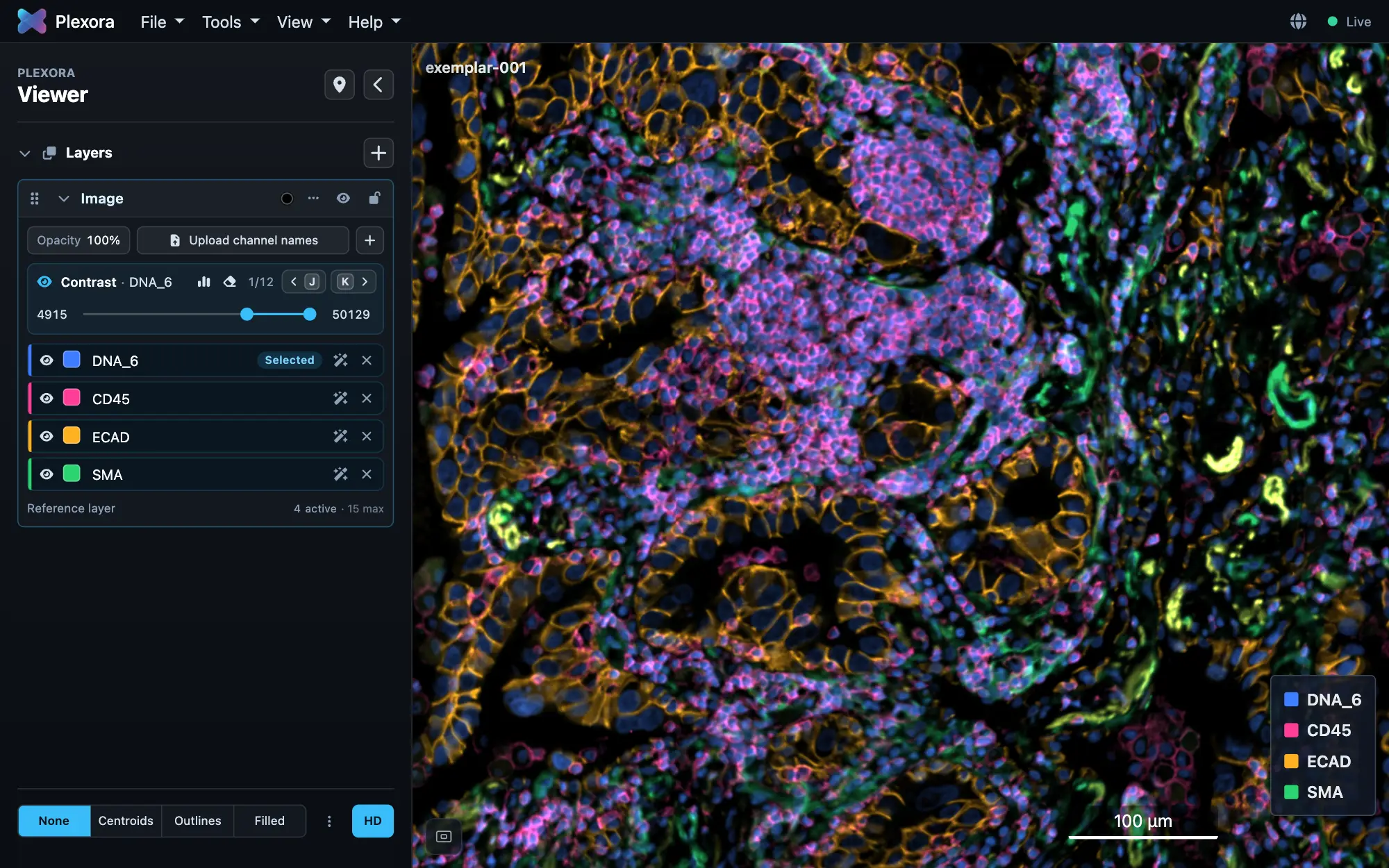
Explore whole-slide and 3D multiplexed images from anywhere. Visualize, gate, annotate, and build figures—all without moving your data.
pip install plexora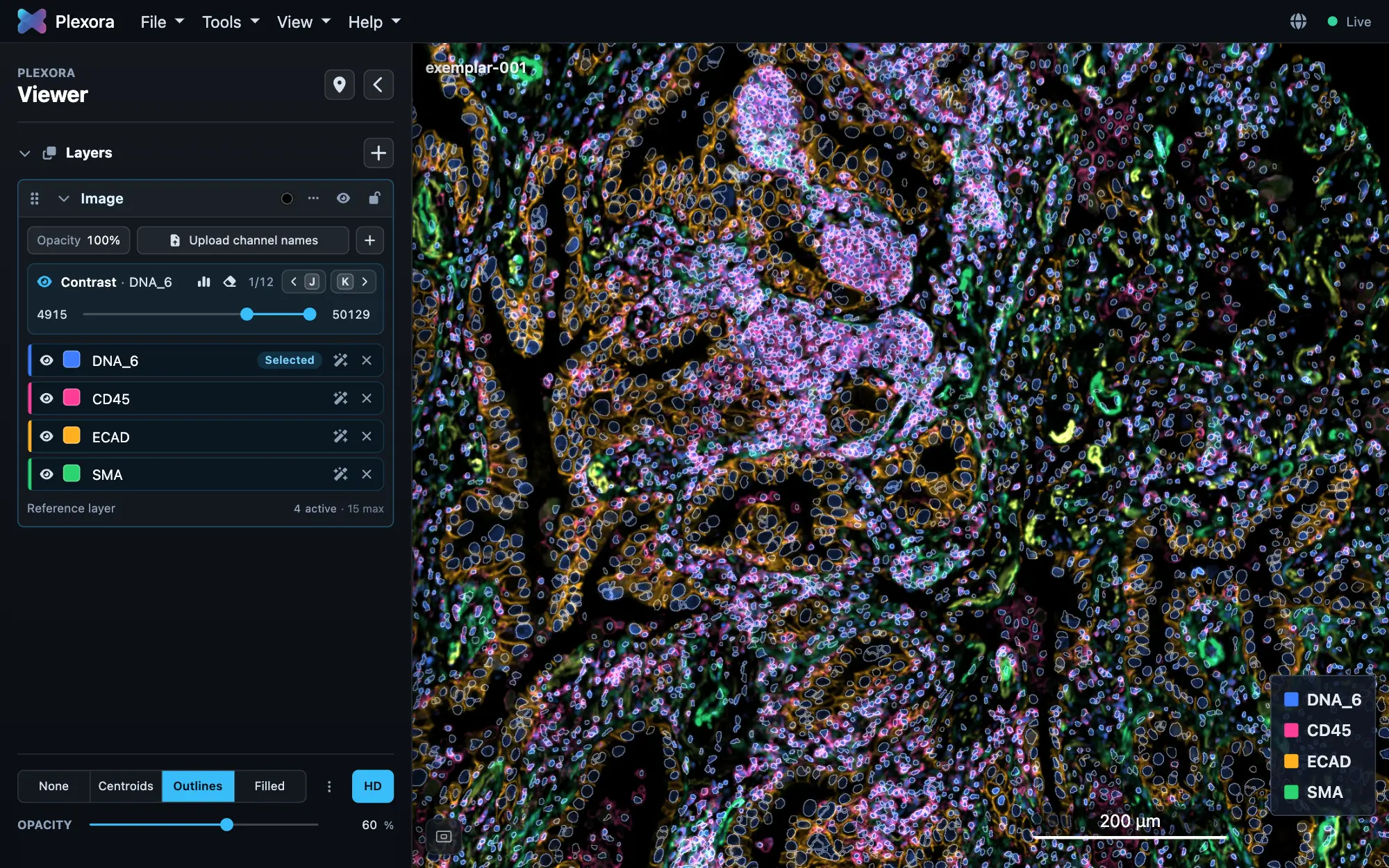
Nothing to upload
Images are read where they are, a tile at a time.
No account
Open, analyse and export without signing in.
Works offline
Runs with no network connection, air-gapped machines included.
Originals untouched
Your source files change only when you ask.
Remote servers
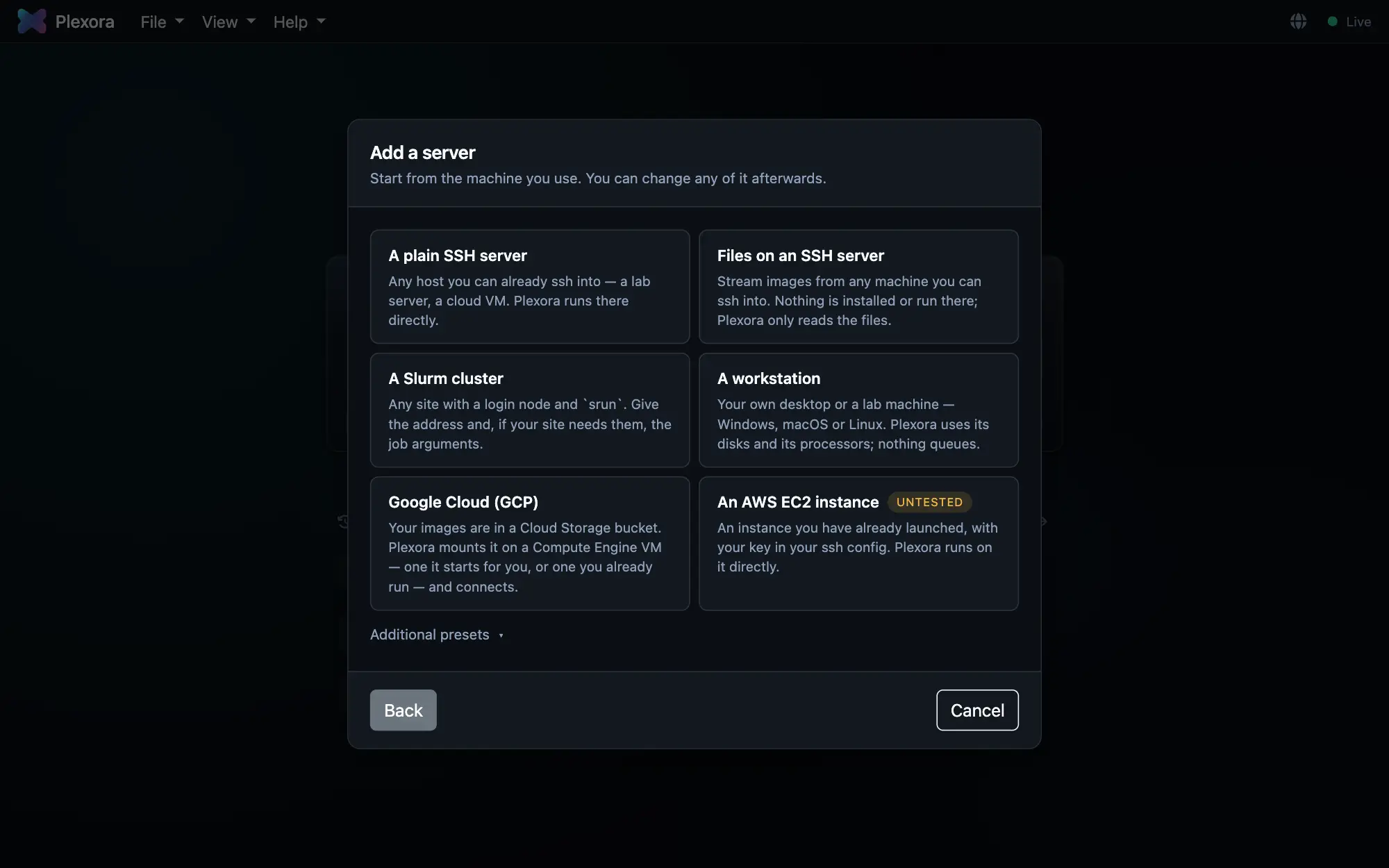
Add a server. Open its images.
Choose what kind of machine it is and give its address. Plexora connects with your own SSH and starts itself next to the data, on that machine or on a compute node, while you keep working in Plexora as usual. Your keys, your~/.ssh/config and your Duo prompts work as they do in a terminal.
A plain SSH server
Any host you can already ssh into. Plexora runs there.
A Slurm cluster
Queues a job with your srun options and tunnels to the compute node.
Files on an SSH server
Nothing installed there. Images stream over SFTP.
A workstation
Your own desktop or a lab machine: Windows, macOS or Linux.
Google Cloud
Mounts your Cloud Storage bucket on a VM and connects.
- Reaching the machine
- Signing in
- Waiting for the scheduler
- Opening the tunnel
- Starting the data node
Data nodes
One project.
Many machines.
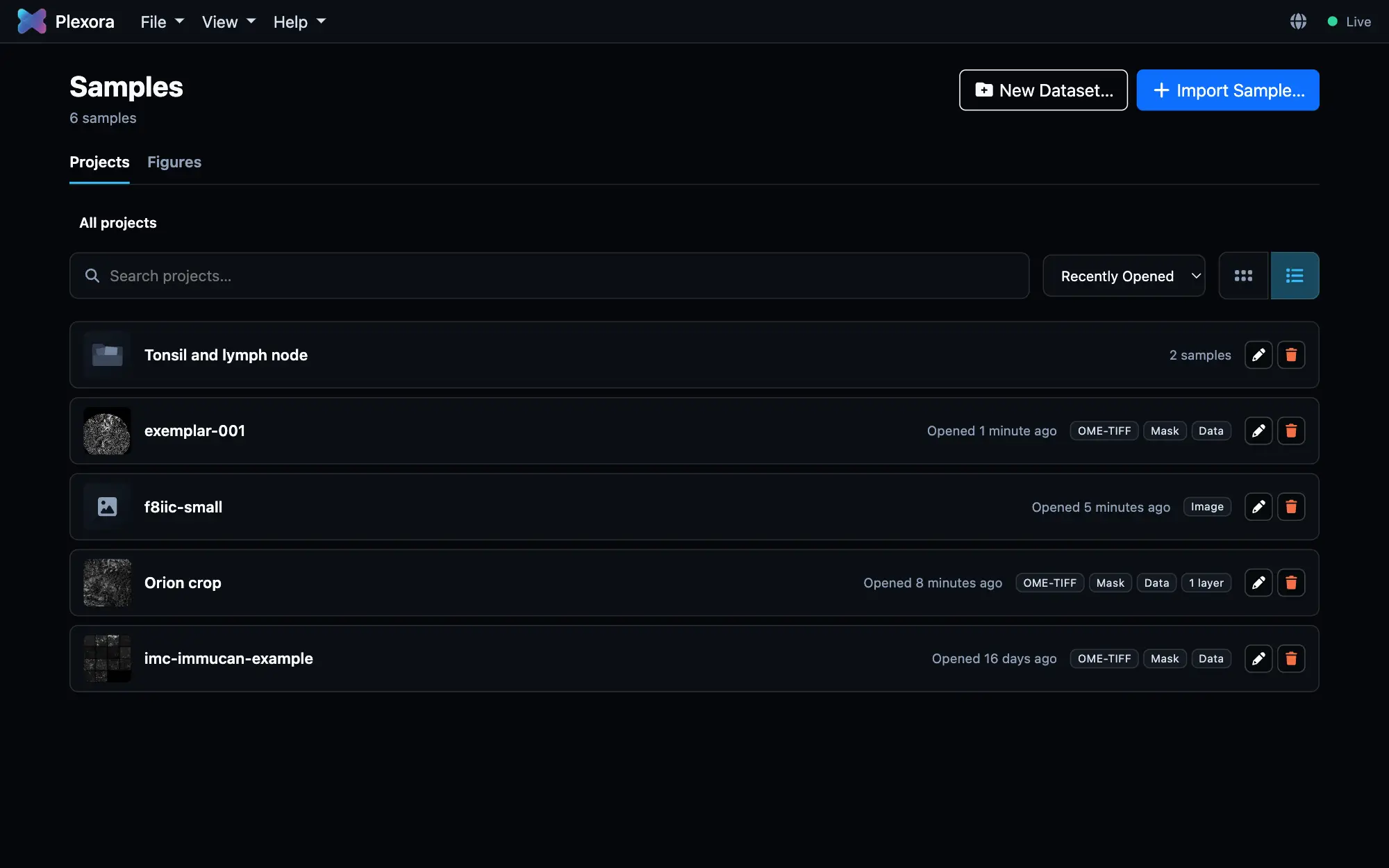
The image can stay on the cluster’s scratch space, the mask on your university’s file server, and the cell table in your notebook’s memory. Plexora reads each one where it is: through a data node, a Plexora with the viewer switched off, or straight over SFTP from a server where nothing else can run.
- Image, mask and table are attached independently, each from any machine.
- Your project, regions and figures stay on your computer; only files are read remotely.
- A node can restart or go away without putting anything you made at risk.
--serve image:tonsil=/scratch/tonsil.ome.tif
Runs where your data is
Four ways in. One viewer.
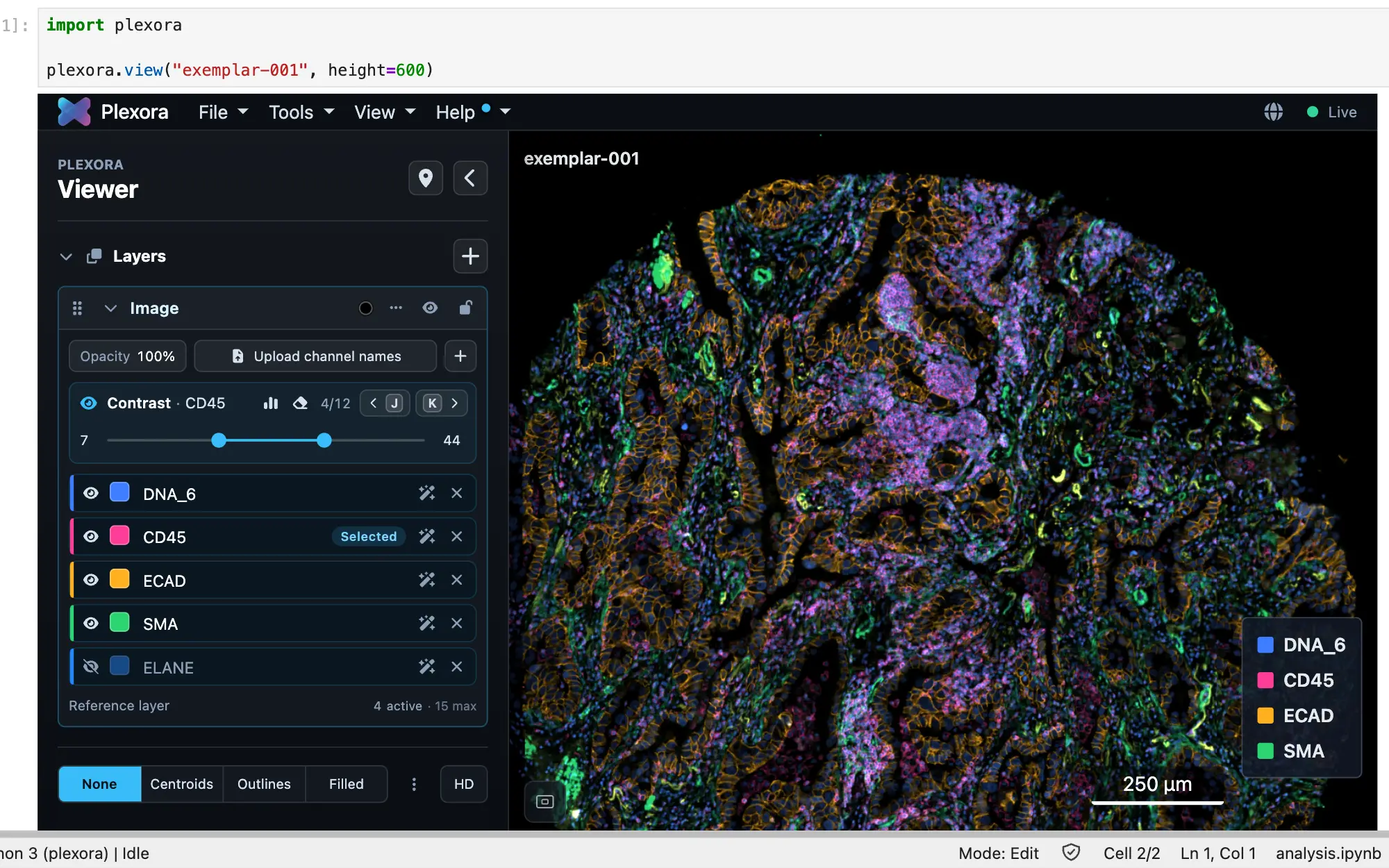
The desktop app, a terminal, a notebook cell and a compute node all open the same interface, with the same projects.
2-D and 3-D
Built for 2-D and 3-D.
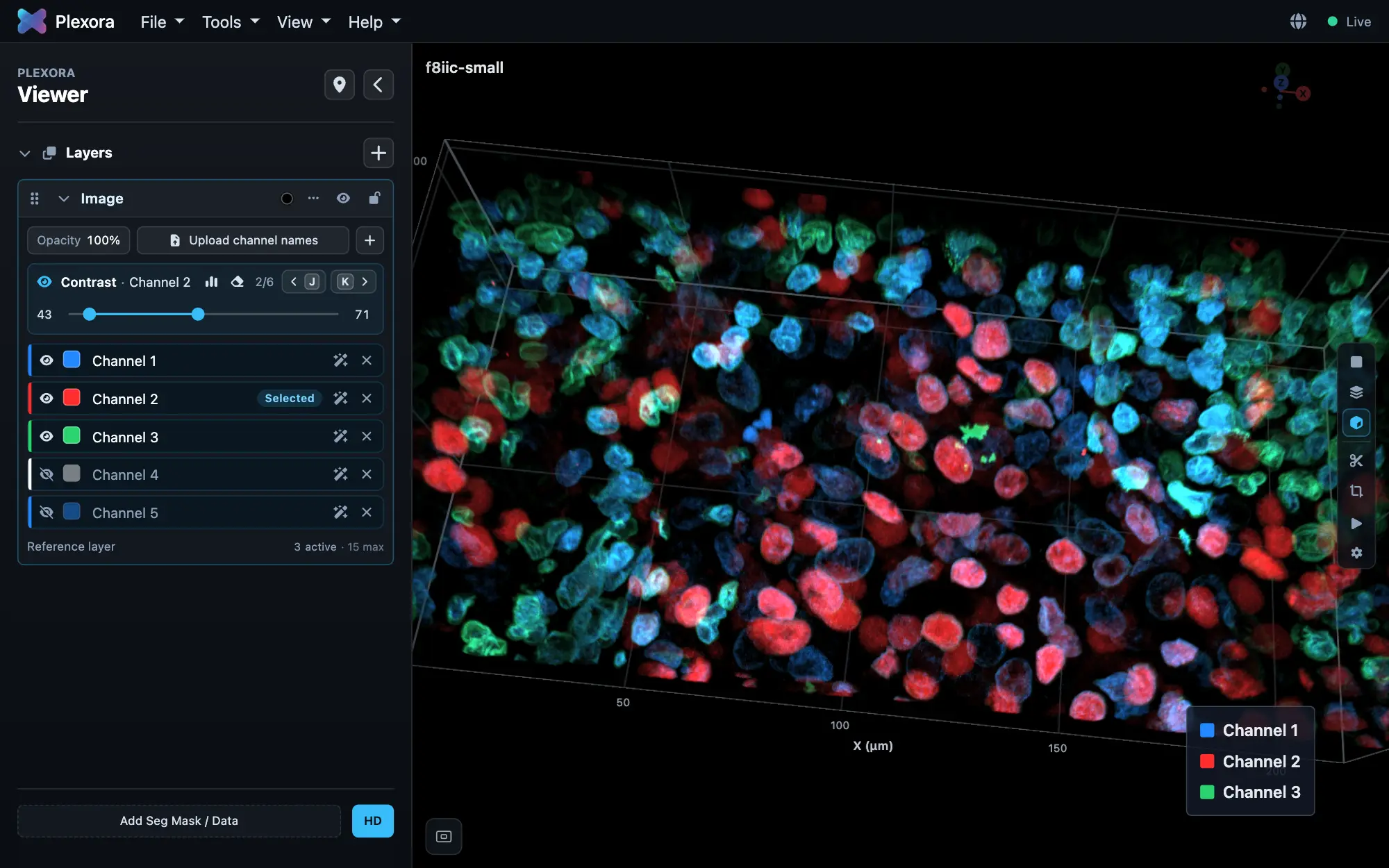
Whole slides, z-stacks and time series in the same viewer: step through planes, project a stack, or turn it in 3-D.
Explore Plexora
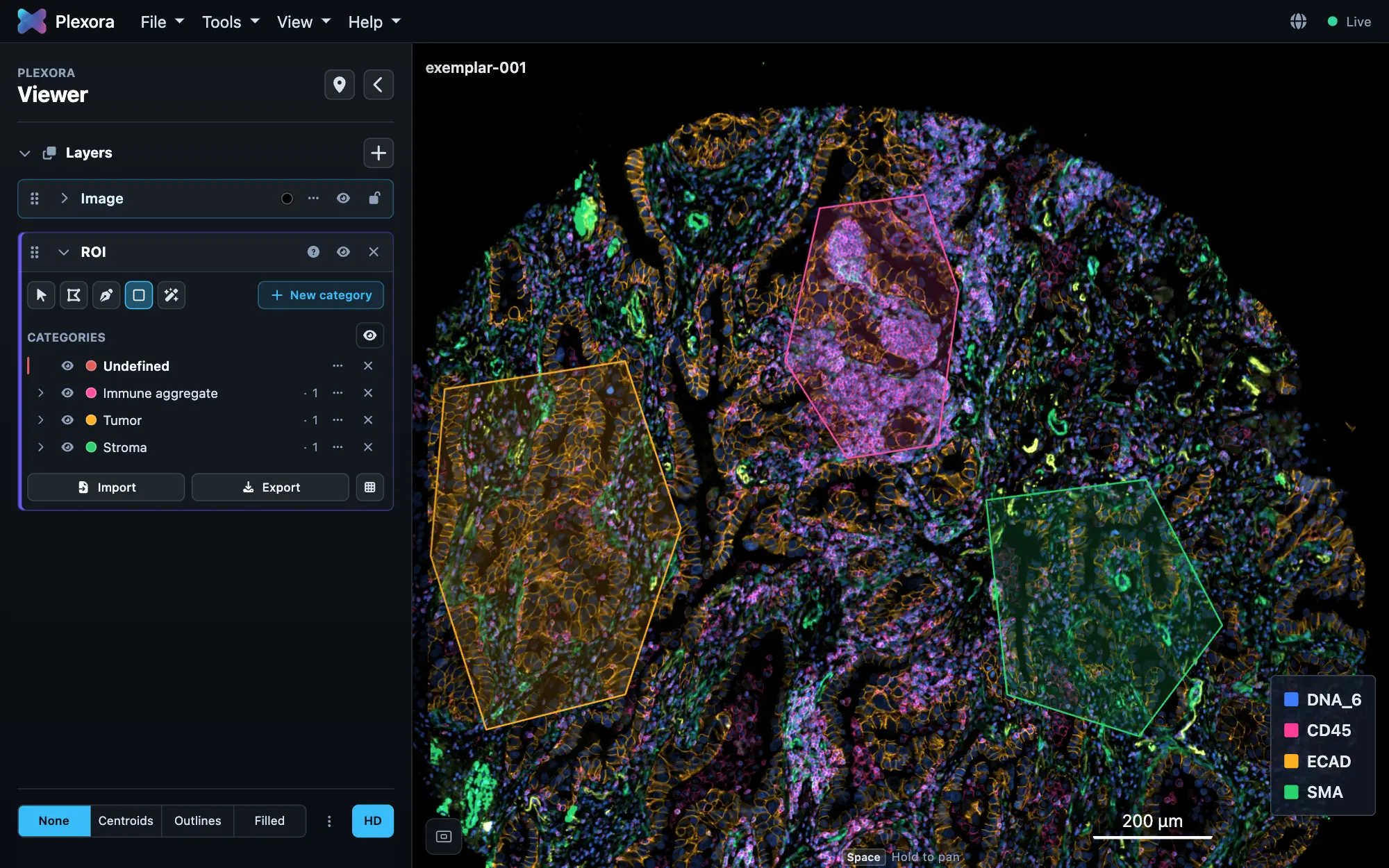
Everything on the image.
Download
Get Plexora 0.0.31
Each installer includes everything Plexora needs. No Python required.
Another Linux, a server or a cluster? pip install plexora gives you the same app in your browser. See Install with pip.
Open your first image in minutes.
Install, point Plexora at an OME-TIFF, and add a mask and a cell table when you need them.