Plugins
The tools in Plexora's Tools menu: what each one does, and how to open and arrange them.
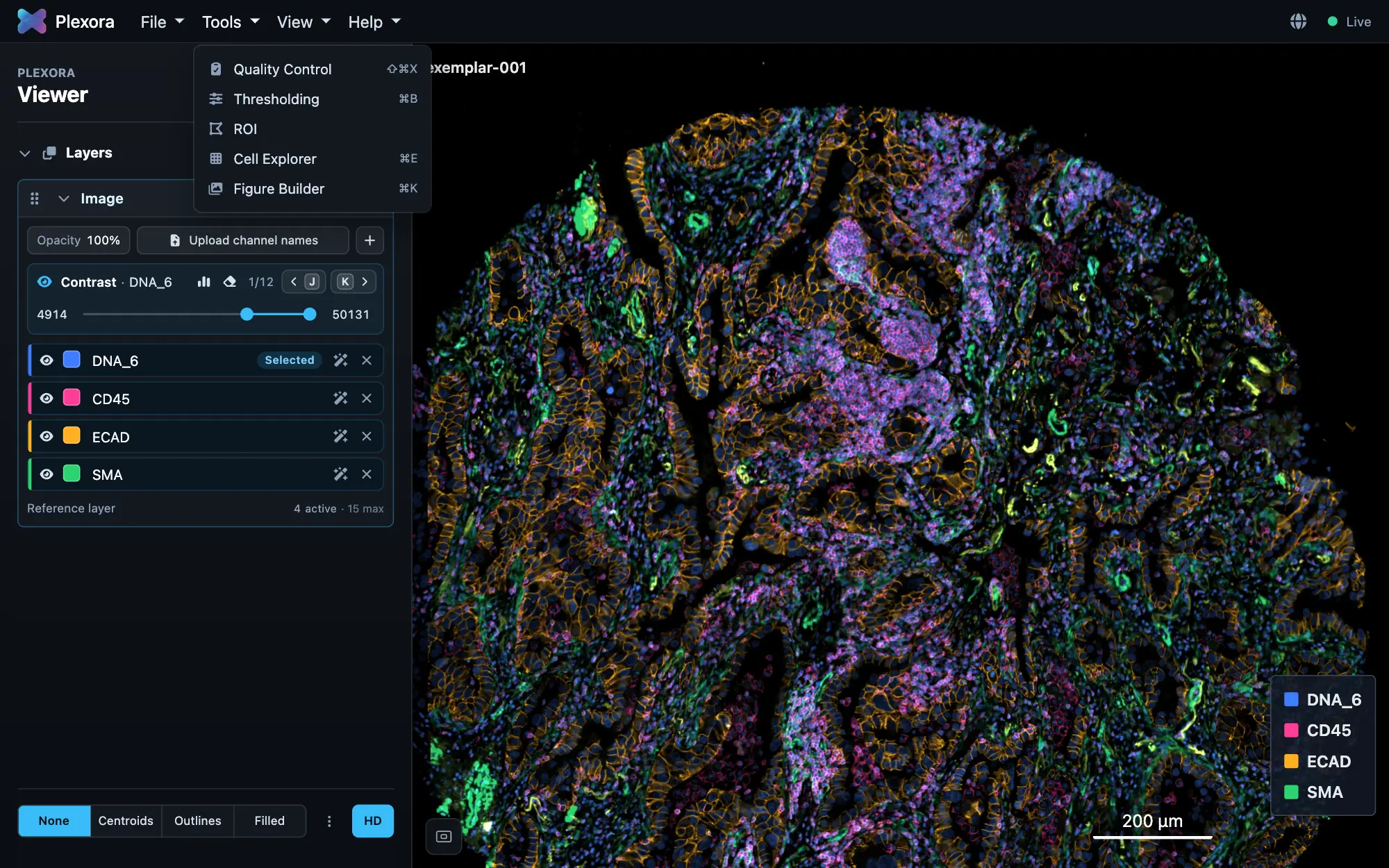
Every tool in Plexora is a plugin: it opens as a card in the sidebar, next to the image, and draws on the image. Five come with Plexora.
Quality Control
Mark folds, blur and misregistered cycles, and flag the cells they affect.
Thresholding
Gate a marker and see which cells pass, drawn over the image.
ROI
Draw regions, sort them into categories, and label cells by region.
Cell Explorer
Colour every cell by a phenotype, cluster or numeric column.
Figure Builder
Capture views and lay them out as a figure for export.
How to use it
Open a tool
With a sample open, choose it from the Tools menu, or press its shortcut, printed beside it in the menu.
Use the card
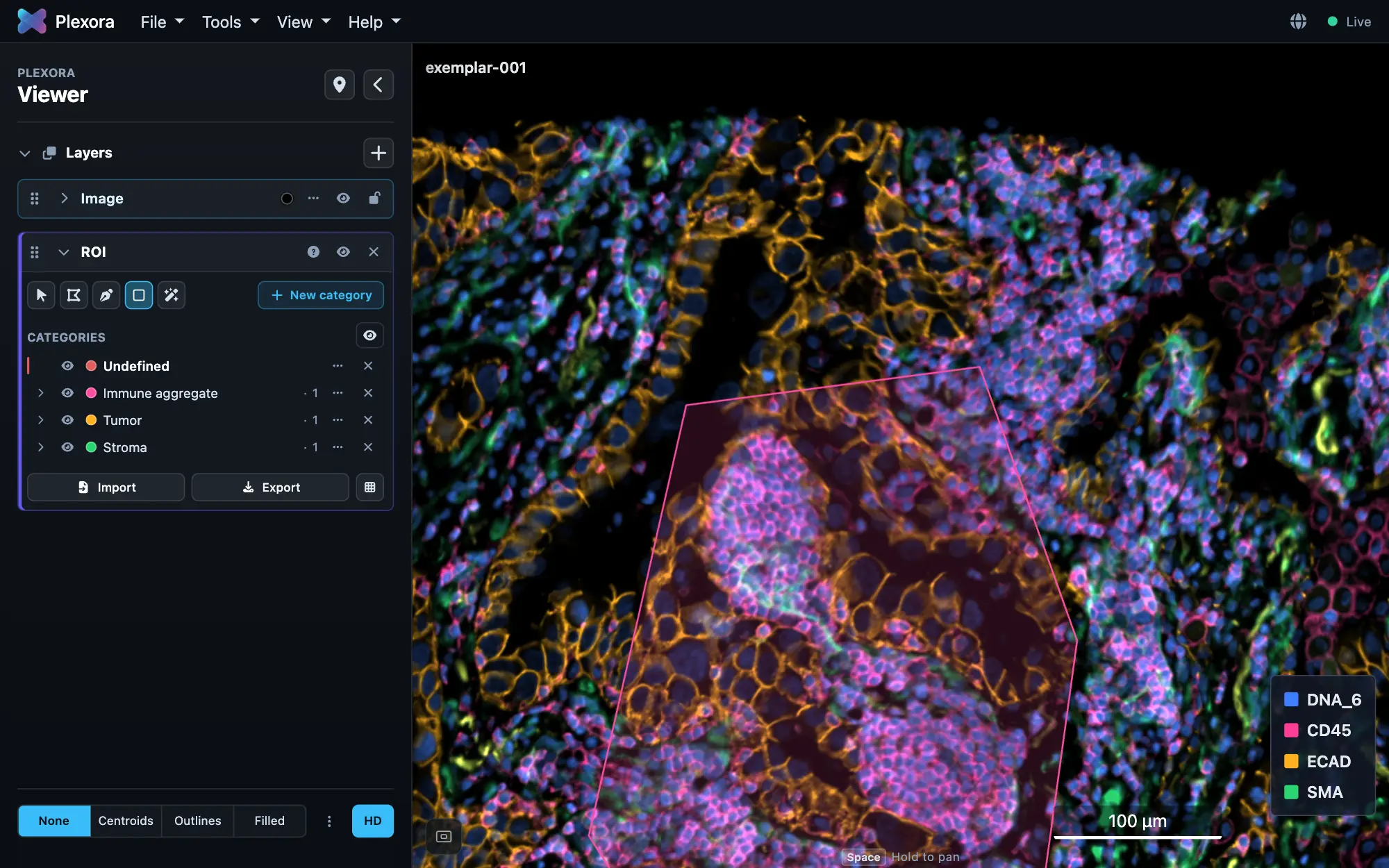
The tool's card header has a grip, a chevron that folds the card, its name and shortcut, a ? that explains the tool, an eye and a ×. The eye hides what the tool draws on the image; × removes the tool.
Open several
You can load several tools at once. Clicking a card's name opens it and folds the one that was open; each card keeps its own colours and opacity on the image.
Tips
- Drag a card by its grip to restack the tools: the order of the cards is the order their drawings are stacked on the image.
- A tool asks for what it needs (a cell table, which column is the cell id) the first time it needs it, and never again for the same project.