Files over SFTP
Stream images from a machine you can ssh into, such as a university file server, without installing or running anything there.
Some machines only hold files: a university file server, a transfer node, a storage box where nothing may run. Files on an SSH server reads images from them over SFTP. Nothing is installed or started over there; analysis runs on your computer.
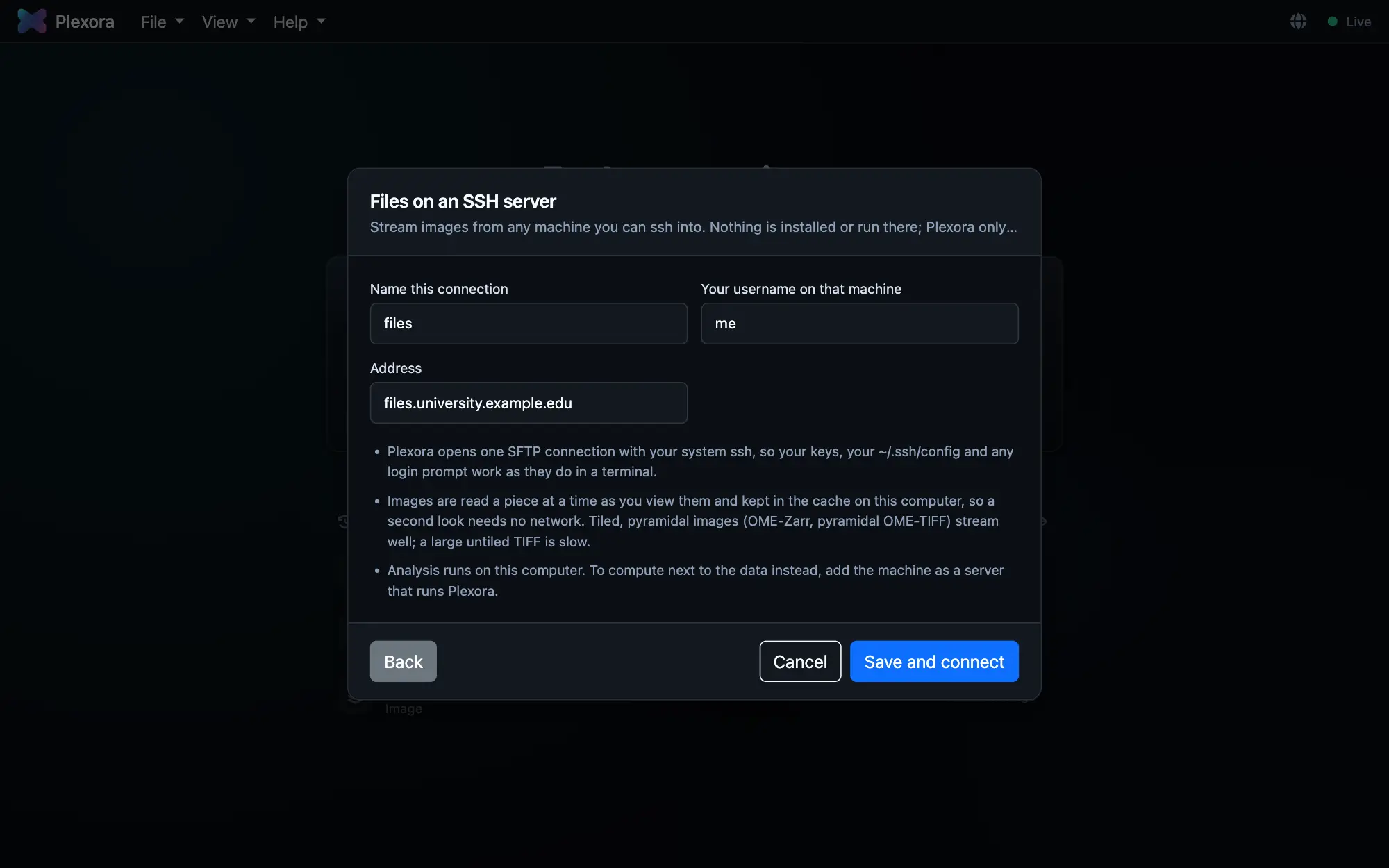
How to use it
Choose Files on an SSH server
Open Add a server… (see Add a server) and choose Files on an SSH server.
Give the address
Name this connection, Your username on that machine and Address are all it asks. Plexora uses your system ssh, so your keys, your ~/.ssh/config and any login prompt work as they do in a terminal.
Connect
Press Save and connect. The dialog shows Reaching the machine and Signing in, and asks any password or Duo question in the page. Nothing else happens over there.
Open an image
Choose the server in the Local chip on the home page, or on a data field in Import Sample…, and browse its folders. The image is read a piece at a time as you view it.
Tips
- Tiled, pyramidal images (pyramidal OME-TIFF, OME-Zarr) stream well. A large untiled TIFF has to be read in big pieces, which is slow over a network.
- What has been read is kept in the cache on your computer, so a second look at the same region needs no network.
- To compute next to the data instead, add the machine as A plain SSH server, which runs a data node there.