Cell Explorer
Colour every cell by a column of the cell table, such as a phenotype, a cluster or a marker's expression, and see it on the tissue.
Cell Explorer colours every cell by one column of the cell table (a phenotype call, a cluster label, a score, an area) and draws that colour over the tissue, so you can see where each population sits.
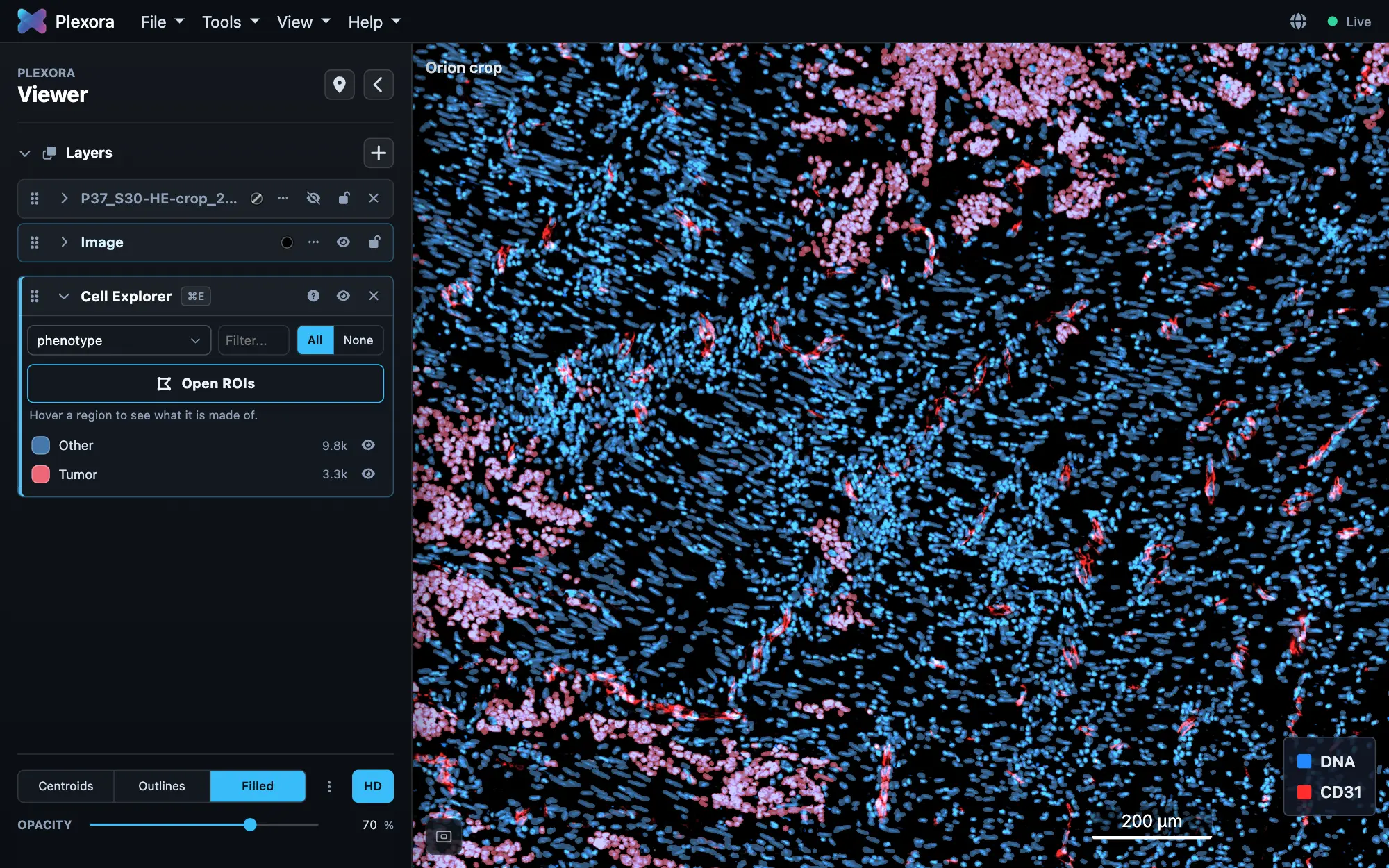
Open it: Tools › Cell Explorer, or press ⌘E (Ctrl+E on Windows and Linux). It needs a cell table with a cell id, and either a segmentation mask or X/Y coordinates to draw the cells.
How to use it
Choose a column
Click the field at the top of the card and pick a column; its dropdown searches every column on the table. X and Z (or Next column and Previous column at the foot of the card) step through the columns in the dropdown's order.
Read a categorical column
A legend lists every category with its colour and cell count, under a line saying how many categories and cells the column has. Click a row to show or hide it, click its swatch to change its colour. Show all and Hide all switch the whole legend. The magnifying glass opens a filter that narrows the list without hiding anything on the image; Esc closes it.
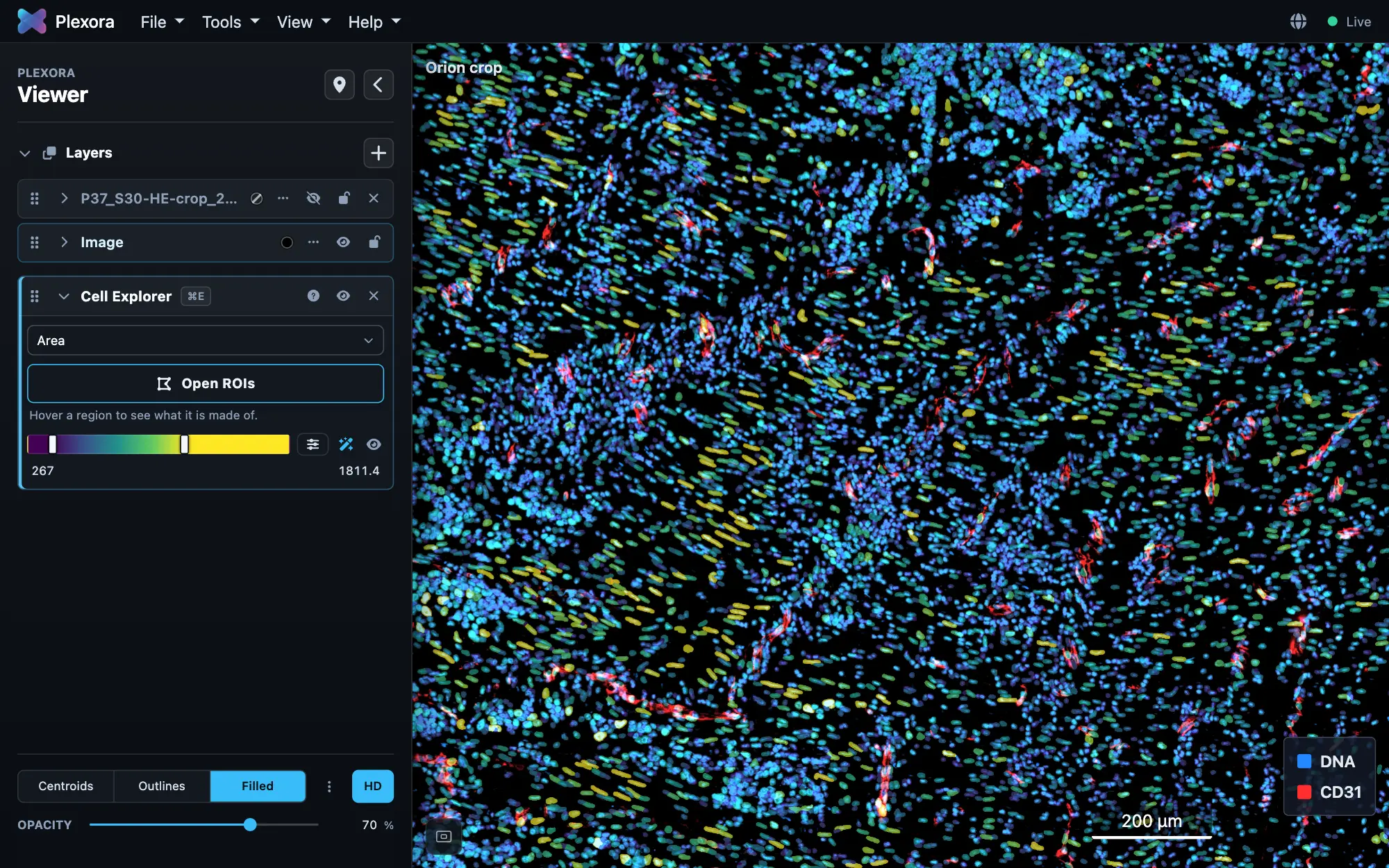
Read a numeric column
A colour bar replaces the legend. Drag its ends to set the range, pick another palette, or press Auto to go back to the column's own range.
Look inside a region
Press Overlay ROI at the foot of the card to open ROI beside it, then rest the pointer on a region to see its cells broken down by the column on screen.
Tips
- A numeric column with only a few whole values (a cluster number, say) shows Treat as: choose Categories or Numbers.
- Cells are drawn Filled by default here. Lower Opacity in the Cells row at the bottom of the sidebar to see the tissue through them.
- To colour by region, run Map to cells in ROI first, then pick its column here.
What it saves
The column, each category's colour and visibility, and a numeric column's range are saved with the project, so the same view comes back next time. Cell Explorer only reads the cell table; it never writes to it.